It’s in the UK version. On iPhone: You --> Account (along the top) --> Your Shopping preferences (under Personalization) --> About You (at the bottom).
I can‘t find any of that in the German/EU version. Instead I can select interests if I want to. I‘m going to assume they don‘t have any of that heavy profiling here.
Scroll down to Account Settings --> Shopping Preferences
It was pretty accurate about my interests which I saw no problem with (“prefers reliable open source ecosystems”), but took issue with it guessing the size of my family, so I updated it to say that I live in an underground bunker with 10 others in a polycule.
I also updated my halloween decoration preferences to suggest I fight crime at night
Can’t wait to see what my next searches are like 👀
There’s no “account settings” in the “your account” page. There’s no “see all”, and there’s also no “shopping preferences”. I assume you’re being served a different page to me.


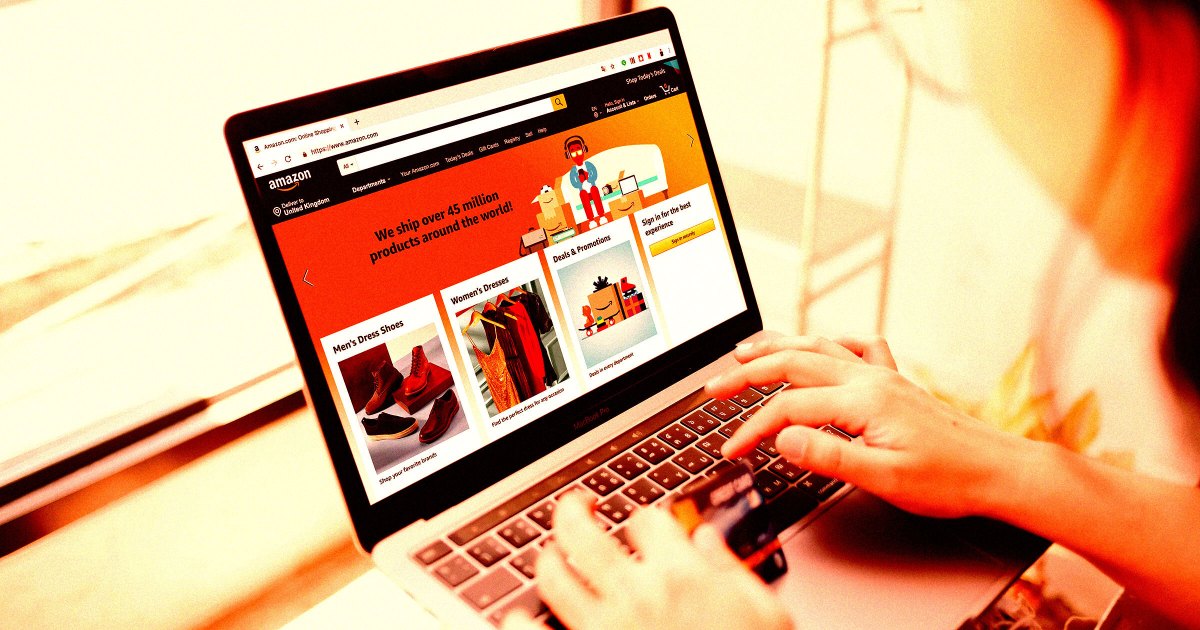
It’s in the UK version. On iPhone: You --> Account (along the top) --> Your Shopping preferences (under Personalization) --> About You (at the bottom).
I can‘t find any of that in the German/EU version. Instead I can select interests if I want to. I‘m going to assume they don‘t have any of that heavy profiling here.
Now we know how you like it
For me, it was directly under account, there was an about you tab a few options below shopping preferences.
I live in the UK and used the UK web version, it has nothing. Maybe because I have almost entirely stopped using Amazon?
The UK web version definitely doesn’t have any such link for me.
It was pretty accurate about my interests which I saw no problem with (“prefers reliable open source ecosystems”), but took issue with it guessing the size of my family, so I updated it to say that I live in an underground bunker with 10 others in a polycule.
I also updated my halloween decoration preferences to suggest I fight crime at night
Can’t wait to see what my next searches are like 👀
There’s no “account settings” in the “your account” page. There’s no “see all”, and there’s also no “shopping preferences”. I assume you’re being served a different page to me.
https://www.amazon.co.uk/slc/hub?useAiMode=1
that one worked thanks :)
I found it on the UK web version but I had to use the browser’s search function to find it on the page.
It had nothing, which I’m hoping because I’ve previously opted out of analytics?
I used the search (the ctrl-f search) and found nothing
Either they’re A/B testing, or you’re on the wrong page